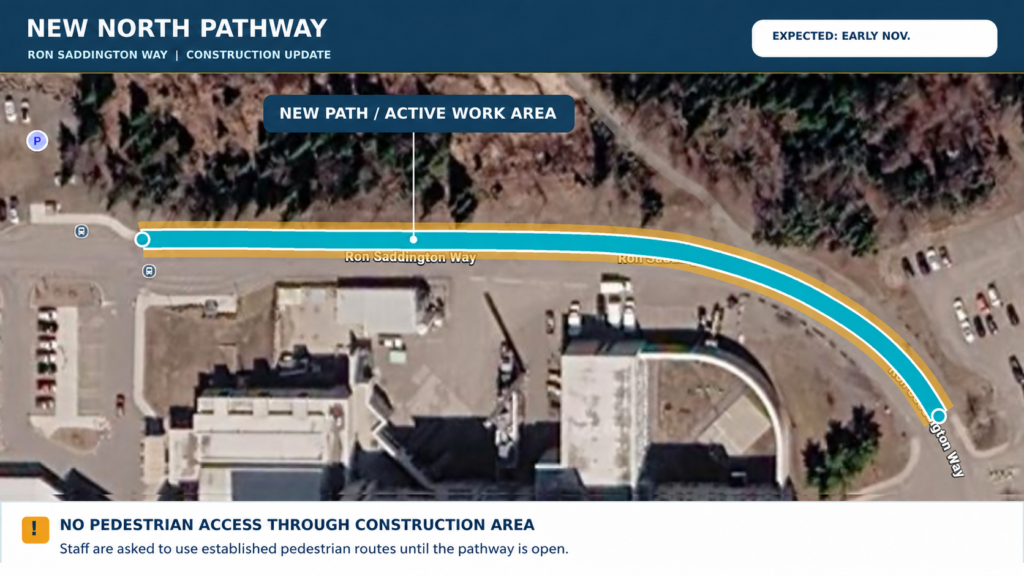
Construction is now underway on the new pedestrian pathway along the north side of Ron Saddington Way. The pathway will connect the existing westbound bus pad to the sidewalk farther east, providing a safer, dedicated pedestrian route.
Construction is expected to take approximately three weeks, with completion anticipated in early November, subject to weather and site conditions.
For their safety, staff are reminded to avoid the construction area until the new pathway is completed and open for use. Please continue to use established pedestrian routes and observe all construction signage and barriers.
We appreciate your patience and cooperation as this improvement is completed.
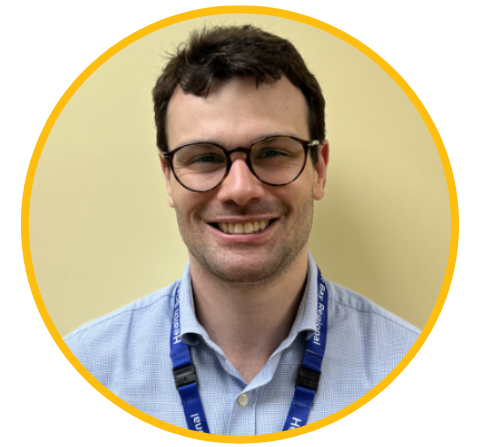
Medical Affairs is pleased to announce that Dr. Felipe Restini has joined the Thunder Bay Regional Health Sciences Centre as a Radiation Oncologist with the Department of Oncology.
Dr. Felipe Restini completed his Radiation Oncology training at Hospital Sírio-Libanês in Brazil and a fellowship in Genitourinary and Breast Malignancies at McGill University Health Centre. He holds a Doctor of Medicine from Faculdade Santa Marcelina and has completed additional training in clinical research, biostatistics, and health systems innovation. His clinical expertise includes advanced radiation therapy techniques, including stereotactic radiosurgery, stereotactic body radiation therapy, image-guided radiotherapy, and brachytherapy. He served as Head of the Radiation Therapy Department at Hospital Regional Rota dos Bandeirantes in Brazil.
Dr. Restini is committed to advancing cancer care through research, technological innovation, and evidence-based practice. His research focuses on artificial intelligence and radiomics to predict treatment outcomes in genitourinary cancers, with publications in peer-reviewed journals, including Scientific Reports. He has presented his work at international conferences, received recognition for his research, and earned Best Oral Presentation at CORTO in 2025. He brings a strong interest in personalized cancer care and integrating innovative approaches to improve patient outcomes.
Please join us in extending a warm welcome to Dr. Felipe Restini as he joins Thunder Bay Regional Health Sciences Centre. We look forward to the expertise, innovation, and dedication he brings to our patients, colleagues, and the cancer care community.
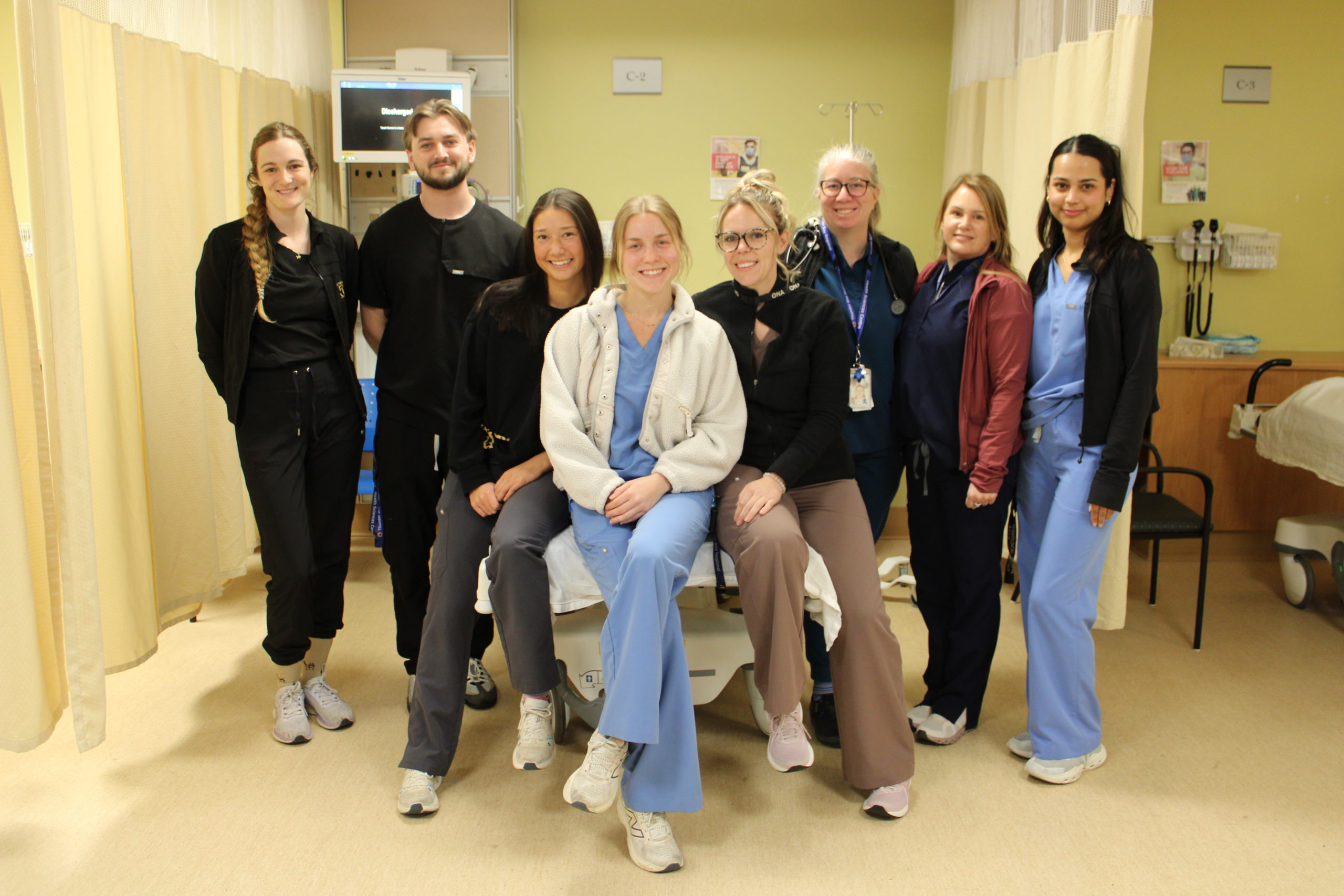
This week (October 11-17) is dedicated to celebrating and recognizing the passion, persistence and dedication to patient care that our Emergency Department nurses display every single day.
This team of health care professionals focus on the immediate care of patients who require medical attention to avoid long-term disability or death. It is a complex role, treating the trigger event for the emergency visit as well as communicating with the patient, the families, and the care team. This frontline role is very patient centered, not only physically but emotionally too. People in emergency situations often feel distraught and upset. So, the emergency nurse must treat the emotions as well as the emergency medical issue. It can be chaotic, especially if the cause of the visit is a violent incident.
Please join us in thanking our Emergency Department nurses for their tremendous contributions to patient care in our community.
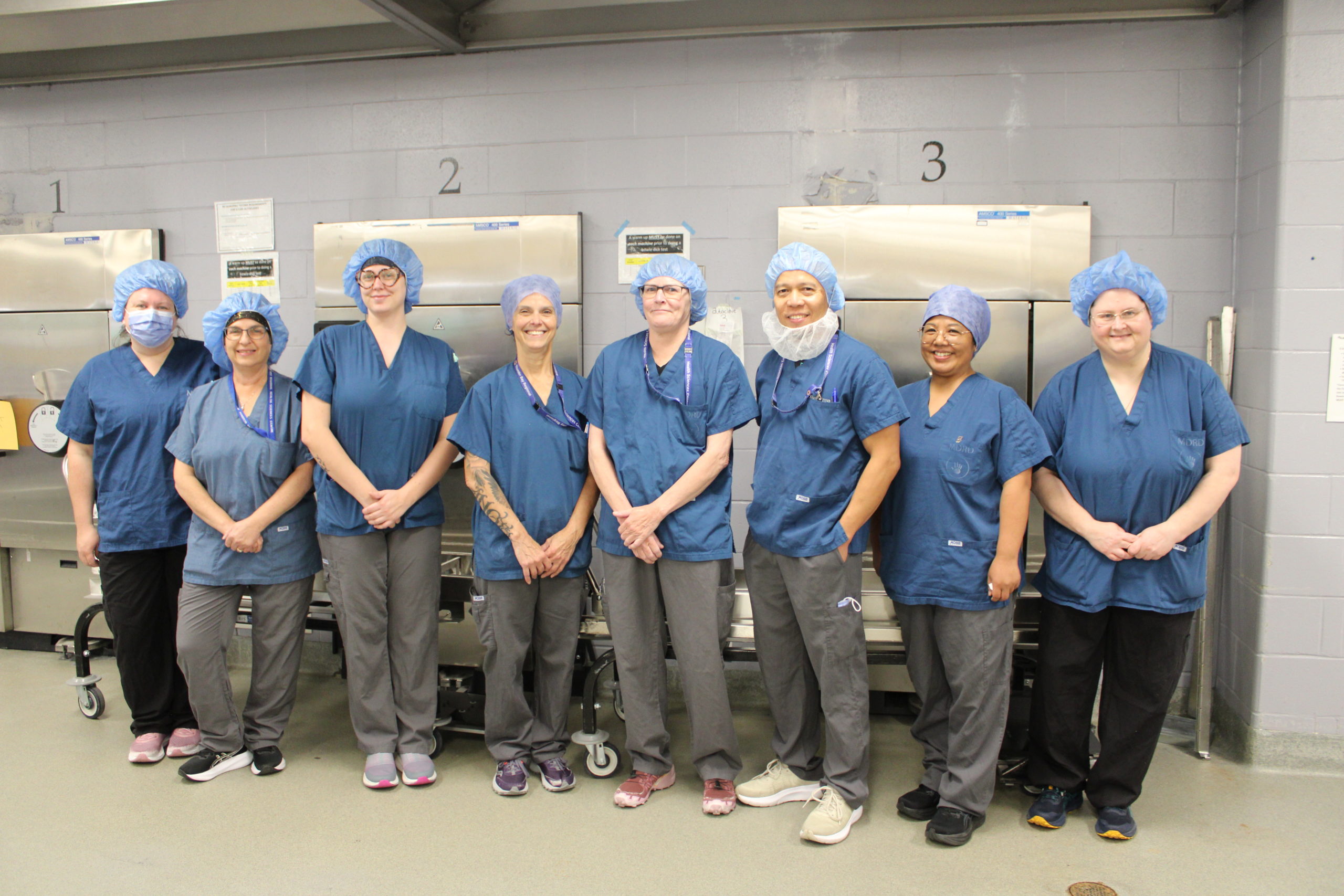
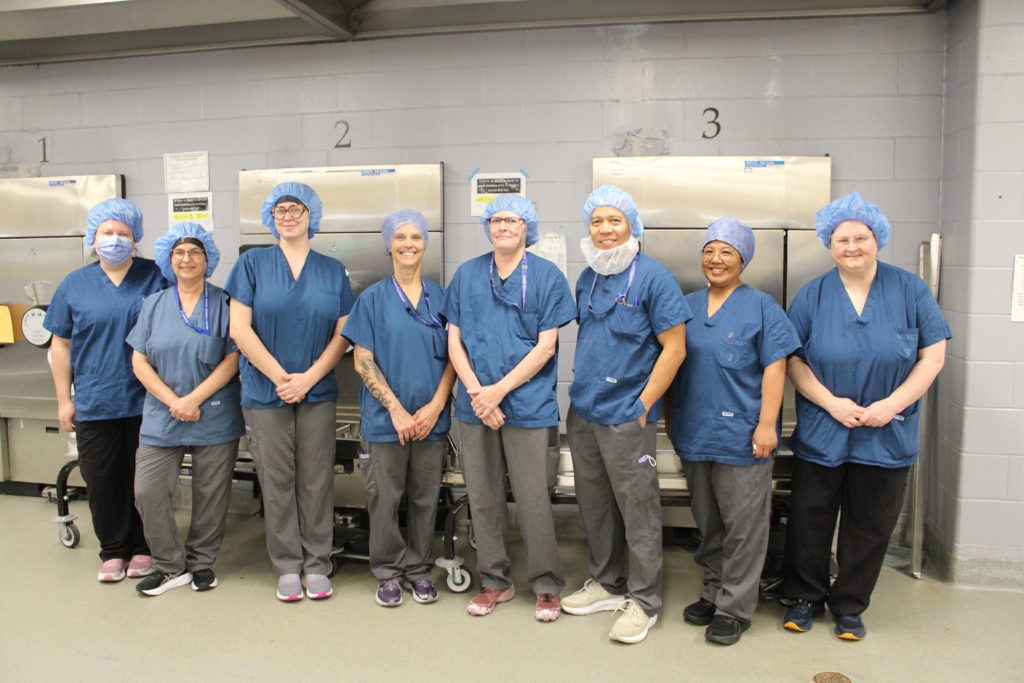
The second full week of each October (11-17) is dedicated to celebrating the important role of medical device reprocessing departments (MDRD) across the country, just like the one at Thunder Bay Regional Health Sciences Centre.
The MDRD staff is made up of certified technicians that wash, inspect, assemble, wrap, sterilize and distribute instruments to the Operating Room and clinics throughout our Hospital.
With a focus on patient safety and quality assurance, the proper reprocessing of reusable patient care items is more important than it ever has been.Staff in the MDRD work almost 24/7 to make sure physicians, nurses and surgeons have the clean, sterile instruments they need to provide exceptional care for every patient, every time.
The MDRD team is fundamental to achieving excellent patient safety and outcomes. Thank you for all that you do!
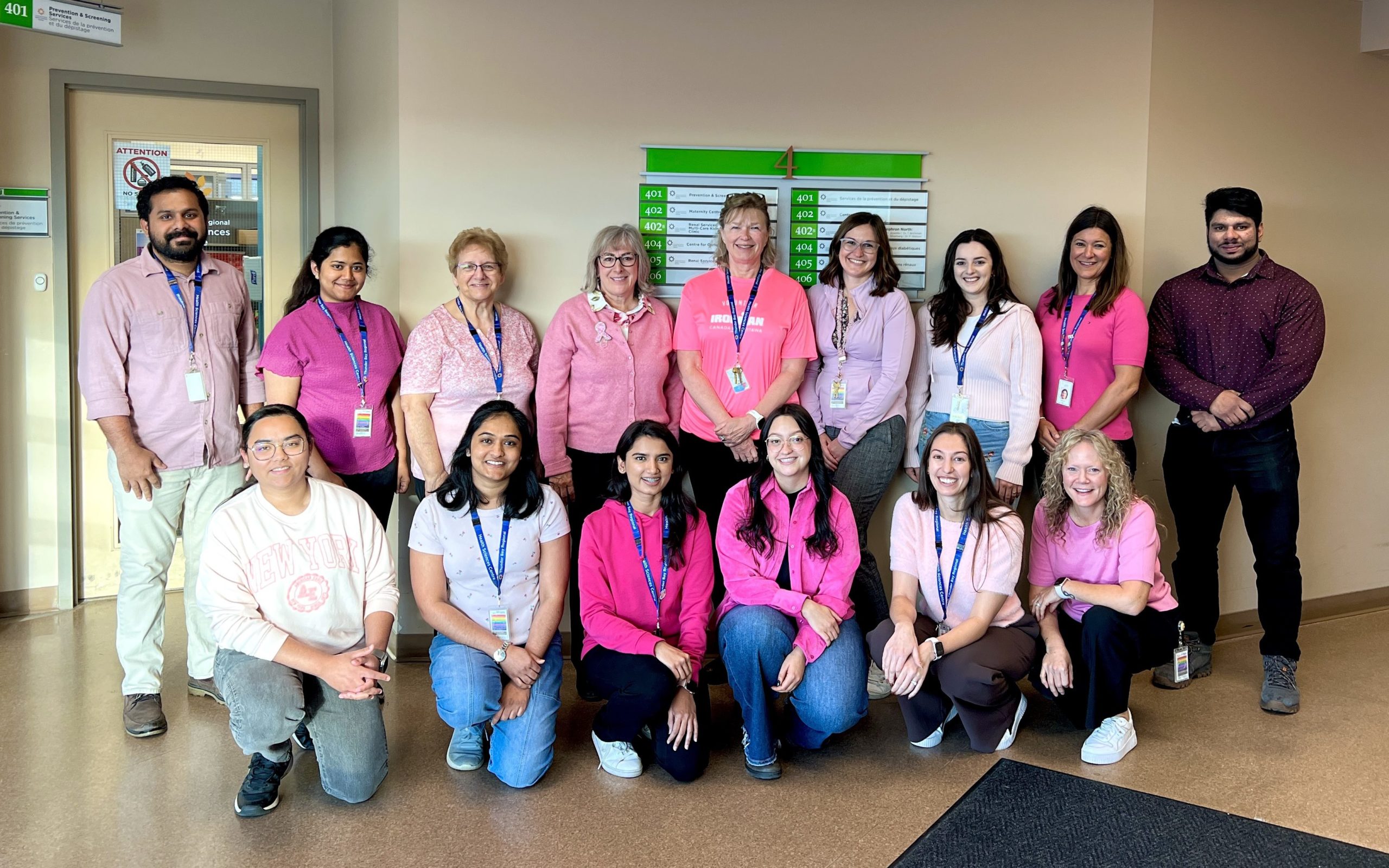
October is Breast Cancer Awareness Month. The Prevention and Screening Clinical Services team wore pink to show support and to raise awareness about breast cancer screening.
Wear pink throughout the month of October and don’t forget to book your breast screening mammogram. Did you know? Those eligible, including staff, can now conveniently book their screening mammogram online at the Linda Buchan Centre.
To find out if you are due for breast screening, click here. Thank you for participating.
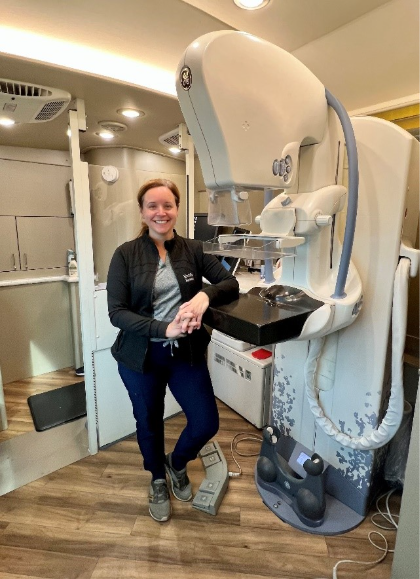
October is Breast Cancer Awareness Month, and a good time to learn more about breast cancer screening. To debunk some mammogram myths, we talked to Michelle Opaski, a Medical Radiation Technologist (MRT) with the Screen for Life Coach at Thunder Bay Regional Health Sciences Centre.
Myth: If you don’t have symptoms, you don’t need a screening mammogram.
Fact: A screening mammogram is intended to detect breast cancer before any signs or symptoms appear. Mammograms can find changes in the breast that are too small to see or feel, when cancer may be easier to treat. If you feel great, it’s the perfect time to get a mammogram.
Myth: Mammograms are painful.
Fact: Everyone experiences a mammogram differently. Some people find the compression uncomfortable or experience brief sensitivity, but the compression only lasts a few seconds for each image.
Compression is important because it spreads out the breast tissue, helping create a clearer image while using as little radiation as possible. Let your Medical Radiation Technologist know if you are uncomfortable or have questions during your appointment.
Myth: A doctor referral is needed to book a screening mammogram.
Fact: If you meet the eligibility criteria for average risk screening through the OBSP, you do not need a referral from a doctor or nurse practitioner. This means you can book a screening mammogram even if you do not currently have a primary care provider.
People who meet the criteria for the High Risk OBSP follow different screening recommendations and require a referral from a primary care provider.
Myth: I’m in my 40s, so I’m too young for a mammogram.
Fact: Breast screening in Ontario now starts at age 40 for most eligible people. If you are between the ages of 40 and 74 and at average risk, you can book your own screening mammogram through the OBSP.
For people ages 40 to 49, Ontario Health encourages a conversation with a health care provider or Health811 about your personal risk factors and the potential benefits and limitations of screening to help you decide what is right for you.
Myth: All breast cancers can be detected on a screening mammogram.
Fact: No screening test is perfect, and mammograms are no exception. Many factors, such as breast density, can influence the image. However, screening mammograms are the best screening tool health care providers have to find breast cancer early.
Myth: I don’t have a family history of breast cancer, so I don’t need to get screened.
Fact: You do not need to have a family history of breast cancer to be at risk. While having a family history can increase your risk, breast cancer can also occur in people with no family history of the disease. In fact, only about 5–10% of breast cancers are hereditary, meaning they are caused by an inherited gene mutation.
To learn more about breast screening in Northwestern Ontario, including eligibility guidelines and locations, visit tbrhsc.net/breast-cancer-screening.
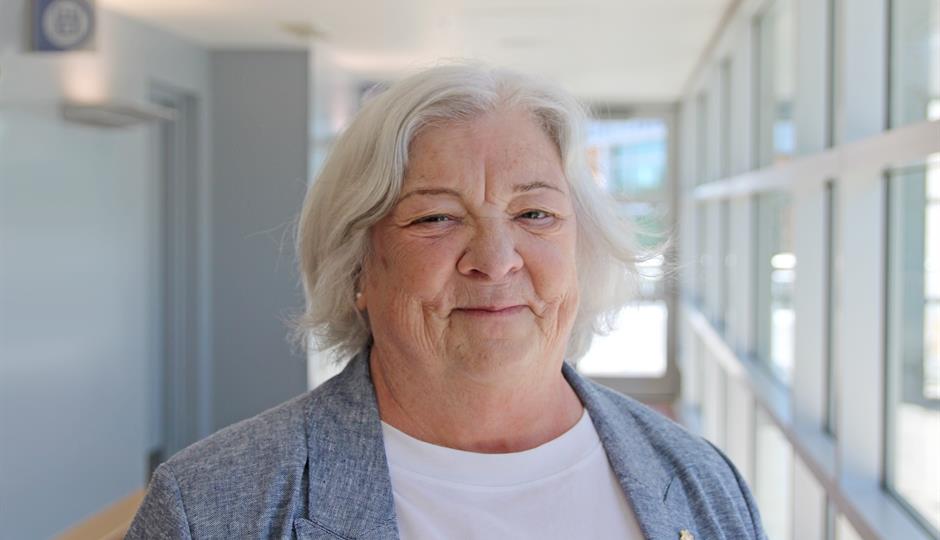
Michelle Opaski, Medical Radiation Technologist (MRT) with the Screen for Life Coach
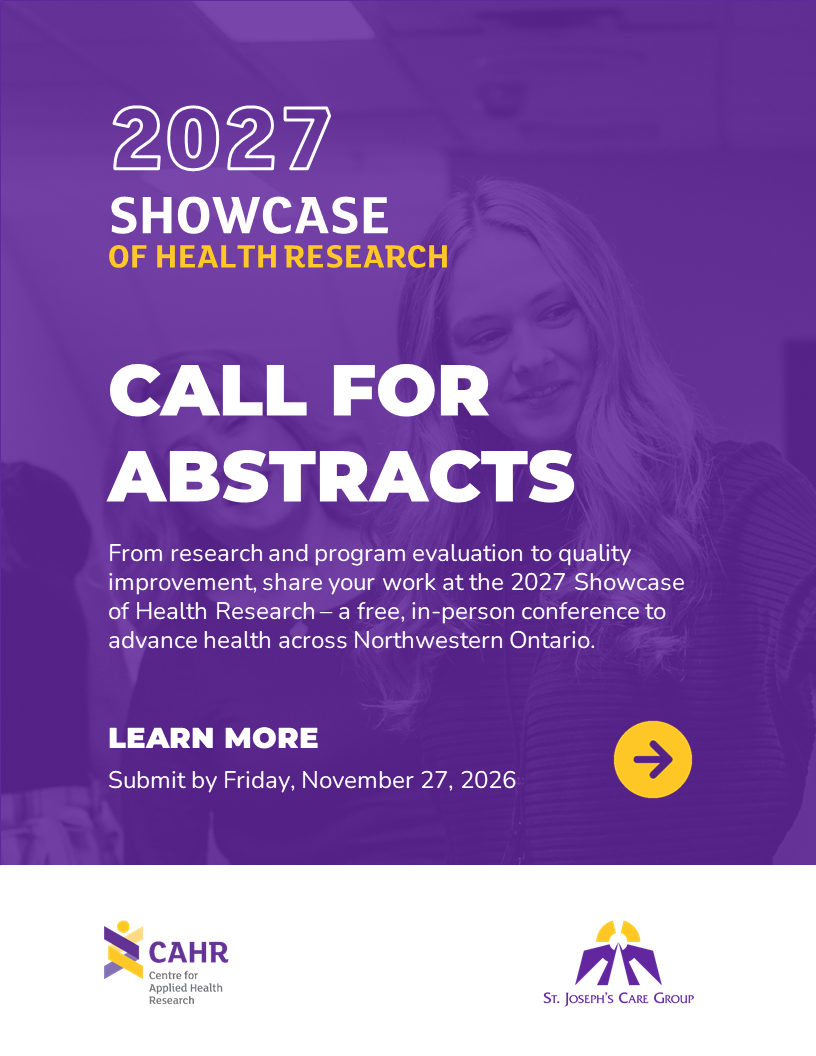
Do you have a health-related project that’s making a difference in Northwestern Ontario? The Centre for Applied Health Research (CAHR) at St. Joseph’s Care Group (SJCG) invites you to share your work at the 2027 Showcase of Health Research, taking place on Friday, February 12, 2027, from 9:00 a.m. to 1:30 p.m. at the Italian Cultural Centre in Thunder Bay.
Abstract Submission Details: Learn more about the Call for Abstracts and submission requirements by visiting: cahr.sjcg.net/abstract-call.
This annual, peer-reviewed, in-person event highlights the diverse efforts driving better health outcomes in our region, from scholarly research and program evaluations to quality improvement initiatives. The Showcase of Health Research features both podium and poster presentations by health professionals, researchers, scientists, and students.
We welcome abstracts across a broad range of project types, including:
Research studies
Program evaluations
Quality improvement initiatives
Whether your work is scholarly or practice-based, if you’re contributing to health in Northwestern Ontario, we want to hear from you.
Abstract Submission Deadline: Friday, November 27, 2026
Event Location: Italian Cultural Centre, 132 Algoma St S, Thunder Bay
Event Date: Friday, February 12, 2027 | 9:00 AM – 1:30 PM
Shared on behalf of Christine Bates, TBRHSC Board Chair
It is my privilege to introduce myself as Board Chair and to reflect on the journey that has brought me to this point. Having served on other community boards, before joining the Hospital Board five years ago, I recognized the complexity and responsibility of hospital governance. I look forward to working alongside our dedicated Board members, leadership team, staff, physicians, volunteers, and community partners to continue to meet the evolving needs of the patients and families we serve across Northwestern Ontario.
At June’s Annual Meeting of the Board there were some significant changes. On behalf of the Hospital staff and Board, the community and the region, I want to thank Patricia Lang, Matt Simeoni, Gord Wickham, and Joy Wakefield who, during their nine years on the Board, governed with expertise, passion and dedication to the Hospital, our community and the wider region.
Continuing their terms of office on the Board are Charles Campbell, Dr. Andrew Dean, James Peotto, Kimberly Ferris, Michael Pelletier, Matthew Aiken and Marla Morrison. Joining as new Board members are Maura Dunk, Angela Maltese, and Andrew Campbell.
Christina Foresto was appointed to a three-year term as the new Community Member on the Governance and Nominating Committee and Amanda Zappitelli was appointed to a three-year term as the new Community Member on the Patient Safety and Quality of Care Committee.
The Board also includes the ex-officio Directors Dr. Rhonda Crocker Ellacott, President and CEO; Adam Vinet, Chief Nursing Executive; Dr. Laura Power, Chief of Staff; Dr. Michael Green, Dean, President and CEO, NOSM University; and Dr. Sonja Lubbers, President, Professional Staff Association. I would like to express my sincere appreciation to the 2026-2027 Hospital Board and Community Committee members for their commitment to the governance and strategic oversight of our institution.
We are in the final year of the Hospital’s Strategic Plan 2026 and the recently released 2025-26 Annual Report outlines the Plan’s progress. This year, a video highlighting the strategic priority of Sustainable Future demonstrates our ongoing commitment to ensuring a healthy future for patients and families across the region.
In keeping with this commitment, on the National Day of Truth and Reconciliation, our Hospital’s Miskwaa Biidaaban team published our third Truth and Reconciliation Commission Calls to Action Report outlining this past year’s progress on the Calls to Action and next steps. We are committed to providing transparency with regards to the Calls to Action and what we are doing in response, and to continually working towards creating an environment of inclusion, equity and compassion at our Hospital. I invite you to review the report to learn more about these important activities.
This month marked 17 years of Sharing and Caring Together, a week-long event demonstrating our successes in patient and family-centred care, culminating in an exhibition displaying some of the initiatives developed to continue to deliver the highest quality of care to patients and families. It is truly incredible seeing the hard work and commitment of our staff to improving the patient and family experience.
Feeling overwhelmed, anxious, or stressed? Free mental health support is available.
The Ontario Structured Psychotherapy (OSP) Program supports adults seeking care for their mental health through free, short-term therapy. Our team works alongside you to build practical skills and strategies to manage low mood, worry, stress, and everyday life challenges.
Support is matched to what works best for you, including self-led materials, individual sessions, or group sessions available in person, over the phone, or online.
OSP is available to anyone aged 18 or older living in Ontario. You can be referred by a healthcare professional, or you can contact the program directly. Referrals can be submitted through The Access Point Northwest.
To learn more or get started, visit osp.sjcg.net, scan the QR code, or call 807-624-3543.
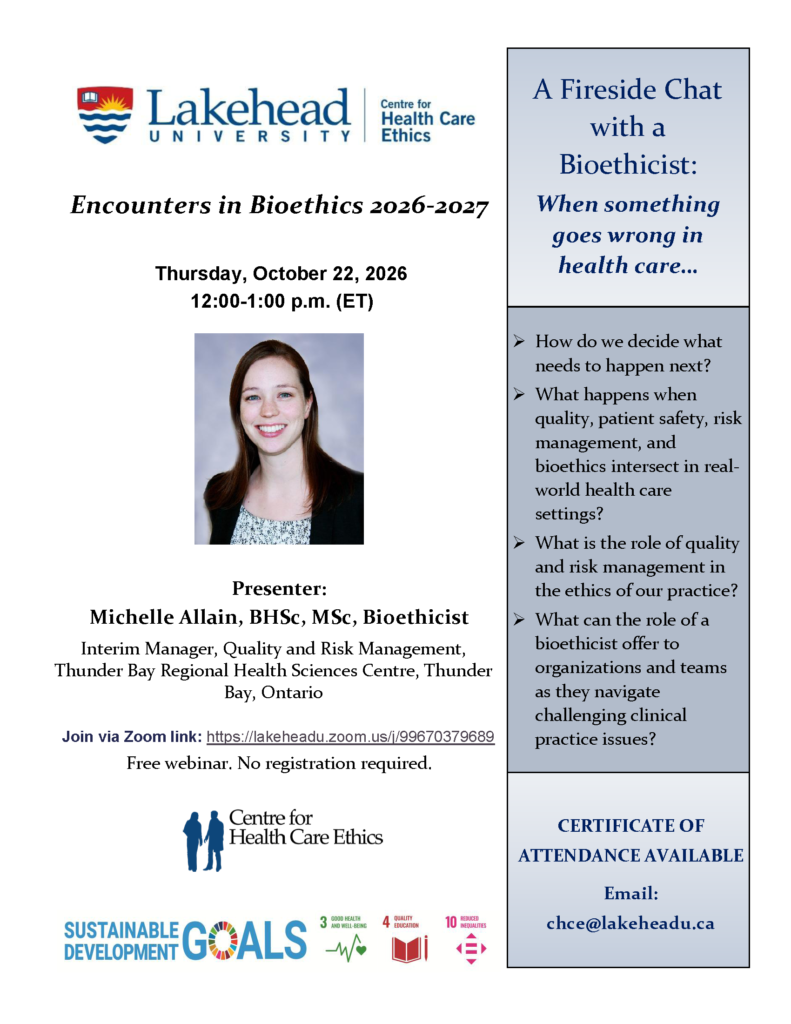
Encounters in Bioethics 2026-2027 offers a free webinar on October 22, 2026, 12:00 p.m. – 1:00 p.m. (ET)
A Fireside Chat with a Bioethicist: When something goes wrong in health care…
Presenter: Michelle Allain, BHSc, MSc, Bioethicist, Interim Manager, Quality and Risk Management, Thunder Bay Regional Health Sciences Centre, Thunder Bay, Ontario. Connect via Zoom: https://lakeheadu.zoom.us/j/99670379689
Certificate of Attendance available upon request to chce@lakeheadu.ca